NEW UPDATE
Adds Springboard and Minitramp, posing before a dive, and a new map.
Last updated:
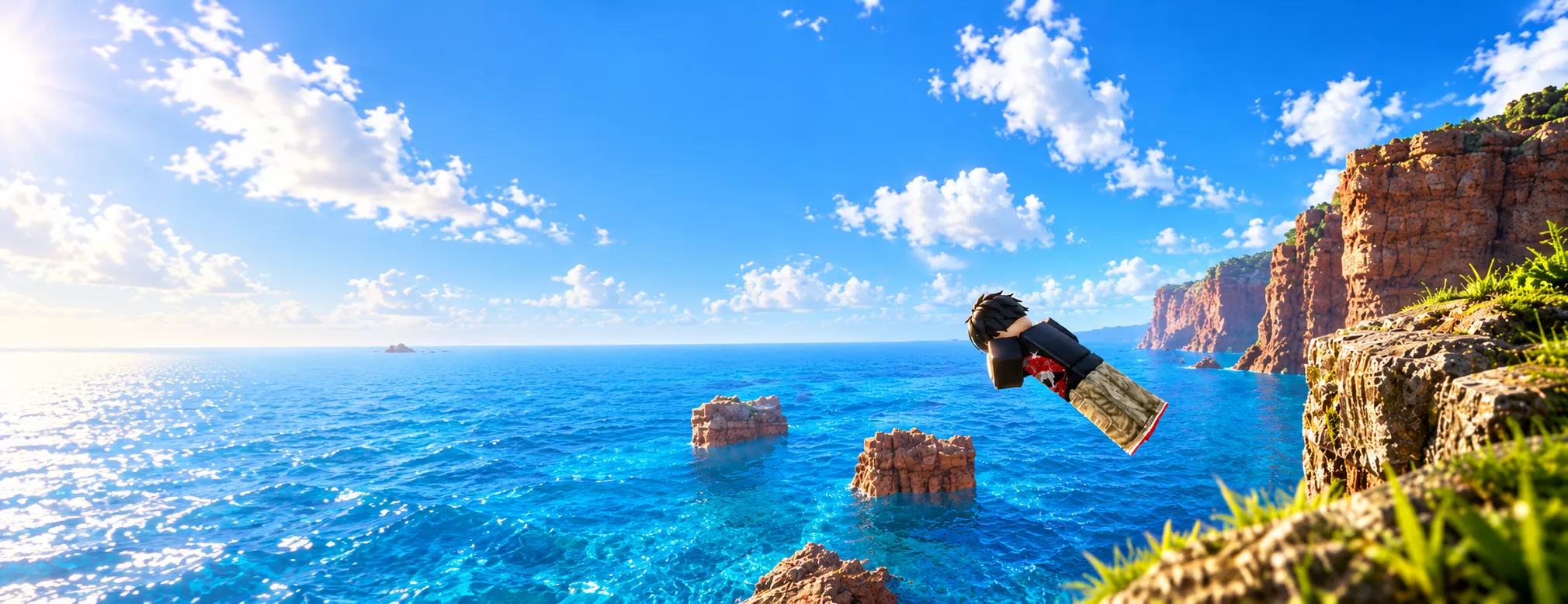
Launch from cliffs, combine flips and twists, and finish with a clean entry. Chase higher scores, unlock new diving spots, customize your diver, or compete in judged rounds.
No codes are currently listed.
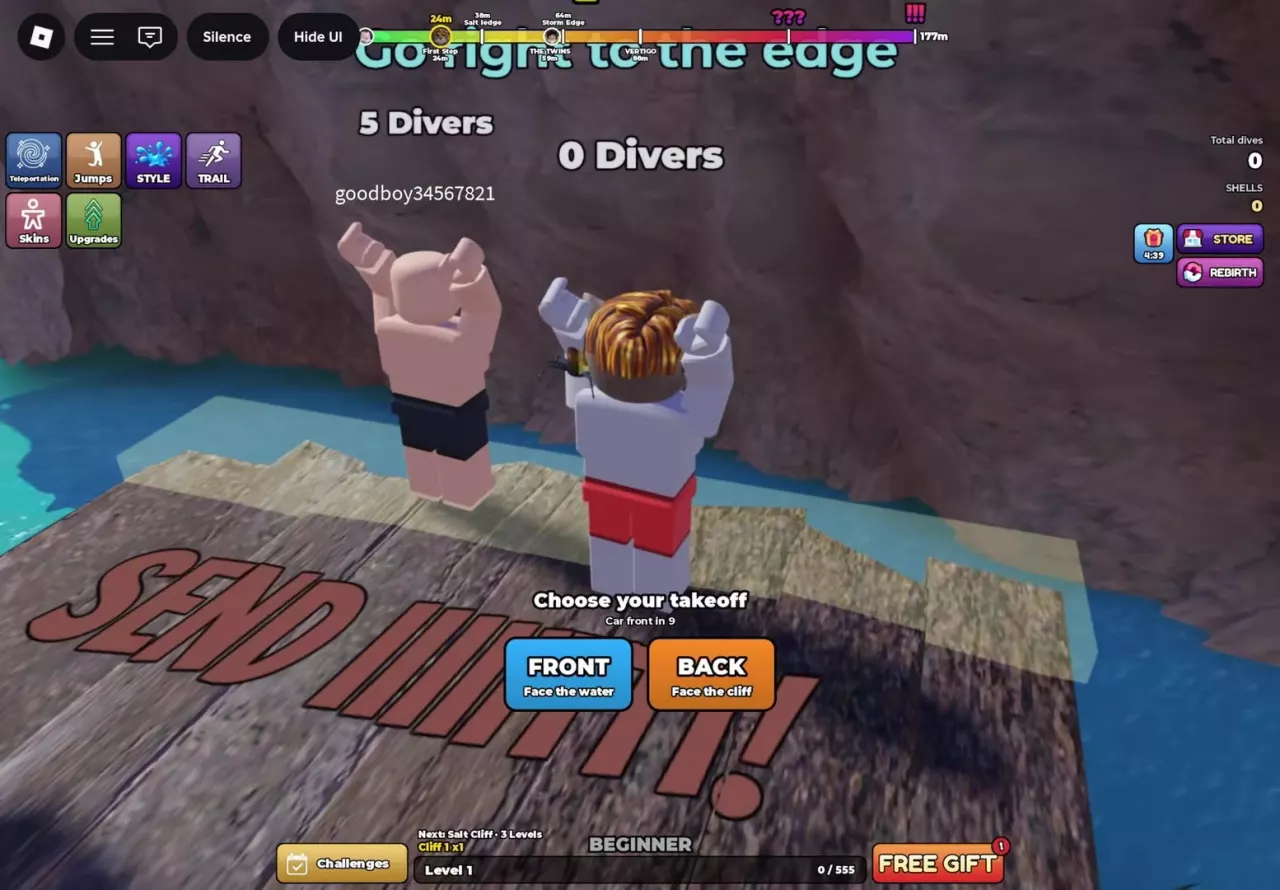
Completed tricks and combos supply points; entry, cliff, and timing multipliers affect TOTAL. Wait for the result’s counting animation to finish.
| Name | Entry bonus |
|---|---|
| Clean Entry | 1.5 ×
|
| Feet first | 1 ×
|
| Belly flop | 0 ×
|
Pose spin speed is separate from the character’s Spin Speed upgrade. After unlocking a choice, select it in Jumps with EQUIPMENT; EQUIPPED identifies your current selection.
Open Jumps → ENTRY to check your selected entry move and its level requirement:
For Sofa and Death Dive on touch, wait until the countdown ends and the named entry control and bright Tap prompt appear, then follow the prompt. The menu’s Points value is separate from the result’s Entry Bonus; check the result to see how the entry was judged. The entry moves guide explains selection, touch prompts, and successful result names.
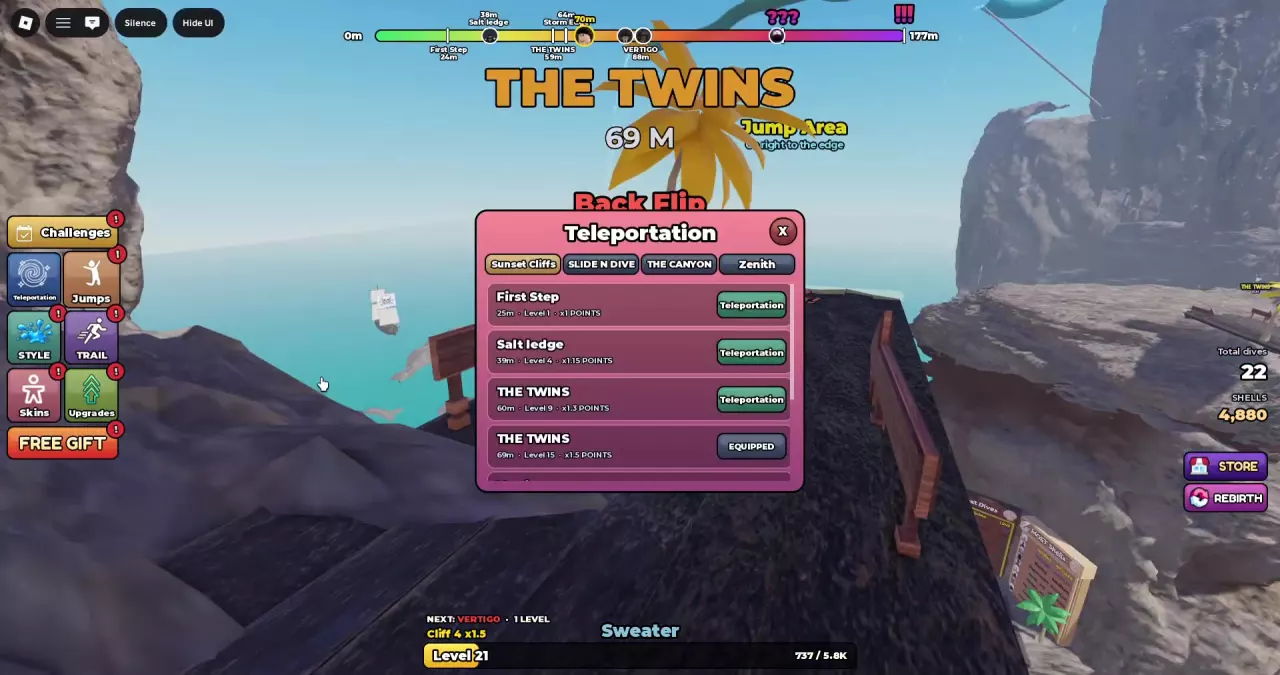
The two THE TWINS entries are separate platforms. Use their listed heights and level requirements to distinguish them.
Teleportation has four world tabs: Sunset Cliffs, SLIDE N DIVE, The Canyon, and Zenith. Slide and Dive unlocks at Level 70. Within the cliff progression, Olympus follows The Summit and is marked 177 m.
XP advances your level, opening destinations as you meet their requirements. Use a destination’s Teleportation button to travel; EQUIPPED marks your current cliff. Unlocking a new world still lets you keep diving from earlier platforms.
| Name | Unlock level | Listed height | Cliff multiplier |
|---|---|---|---|
| First Step | 1 level
| 25 m
(Platform sign / Teleportation)
| 1 ×
|
| The Twins — 60 m | 9 level
| 60 m
(Platform sign / Teleportation)
| 1.3 ×
|
| The Twins — 69 m | 15 level
| 69 m
(Platform sign / Teleportation)
| 1.5 ×
|
| Vertigo | 22 level
| 88 m
(Platform sign)
| 1.75 ×
|
| The Summit | 36 level
| 136 m
| 2 ×
|
Carve points may appear after you leave the slide; they still reward the preceding slide action.
Choose according to what you want to improve:
Open Upgrades, scroll to the attribute you want, and spend Shells on its displayed next-level price. Splash Size changes splash size; selecting a splash’s visual style is a separate choice.
| Name | Effect | First upgrade |
|---|---|---|
| Spin Speed | Faster flips and twists
| 300 Shells
(Level 0 → 1)
|
| Jump Power | Higher takeoff
| 300 Shells
(Level 0 → 1)
|
| RIP Entry | Easier clean entries
| 800 Shells
(Level 0 → 1)
|
| XP Boost | More experience per dive
| |
| Shell Magnet | More Shells per dive
| 400 Shells
(Level 0 → 1)
|
| Splash Size | Larger splashes
| 200 Shells
(Level 0 → 1)
|
Dives with scoring moves and a successful entry earn resources. Claimed challenge rewards can also add Shells and XP.
Zero points can still accompany early level progress. At First Step, the Level 1–4 progression can include No tricks and TOTAL 0 results. Check your level progress separately from your score; this does not guarantee a level-up or Shells on every zero-point dive.
2x XP doubles XP, while 2x Shells doubles Shells. Each pass targets its named resource.
This limited-time, one-time offer includes Shells and 30 minutes of 2x XP. Check its displayed contents and remaining offer time.
This timed post-dive offer applies to the completed dive. It displays additional Shells and points plus 2X XP, with a 19 Robux option or an advertisement option when offered. Read that dive’s displayed rewards before choosing.
Challenge objectives include entry types, accumulated dives, points, and backflips. Complete an objective, then press its CLAIM button; each reward must be claimed individually. CLAIMED confirms collection. New challenges arrive daily, and the menu shows the remaining refresh time. Rewards are listed on each task card.
Open FREE GIFT and meet both requirements:
Then select Verify and claim! The rewards are Poison Drinks, Poison Burst, Poison Ribbon, and Poison Wrap. The panel also reminds you to like the game. The Free Gift claim guide covers the verification entry and requirements.
The separate gift button on the right can offer a Shells reward. After claiming it, the button displays a countdown.
Use EQUIPMENT on an available item. EQUIPPED or ACTIVE marks the current selection. Where an item lists Shells and Robux, they are alternative payment options.


Choose YES on the Diving Competition invitation to enter, or NO to decline. Complete a dive within the Make your dive countdown in each of the three rounds, then check RESULTS for the final standings.
The judges’ panel cycles through named players. Check the player name before reading its five score cards and separate Score; these are distinct from your individual dive’s TOTAL. The competition guide explains the round flow and judge-panel examples.
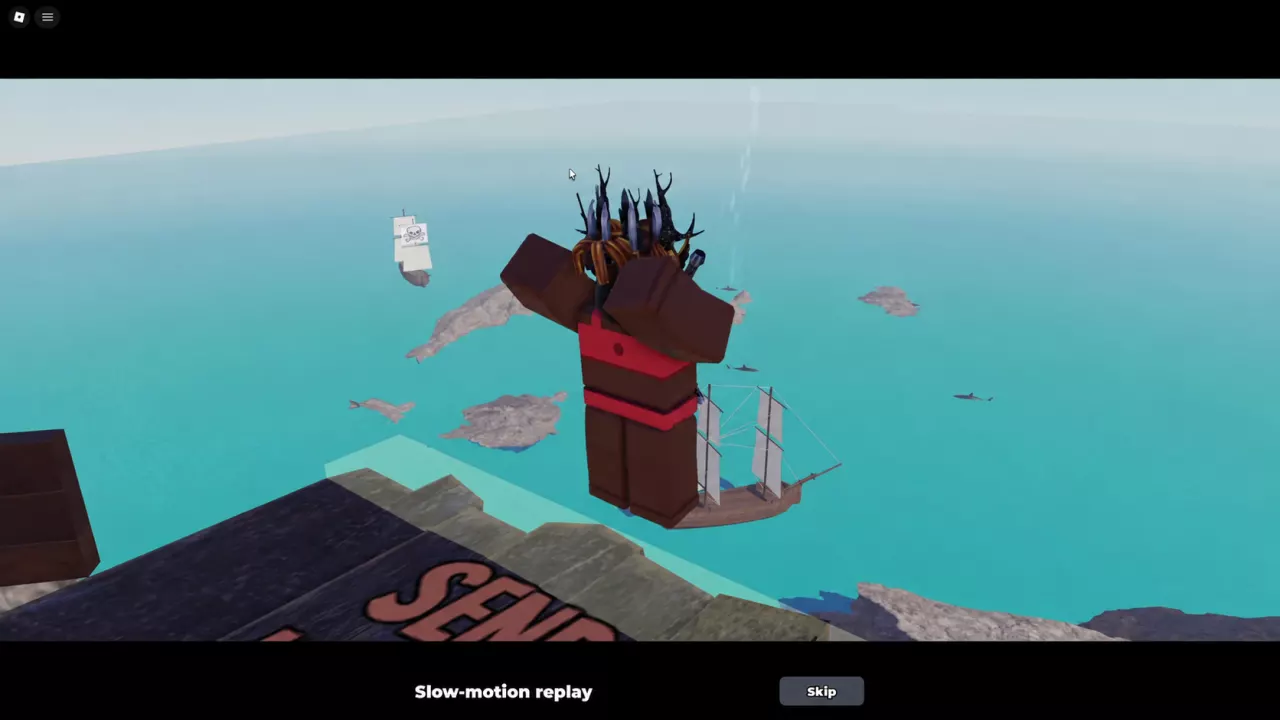
When Watch slow-motion replay? appears, choose YES to watch or NO to decline. Replays let you review takeoff, airborne moves, and the approach to the water. Use Skip during playback to leave early; after playback, you return to the platform to continue playing. See replay and return controls for the full flow.
Adds Springboard and Minitramp, posing before a dive, and a new map.
Admin Abuse with extra shells and XP in a relaxed sunset setting.
Introduces a new map with slides.