
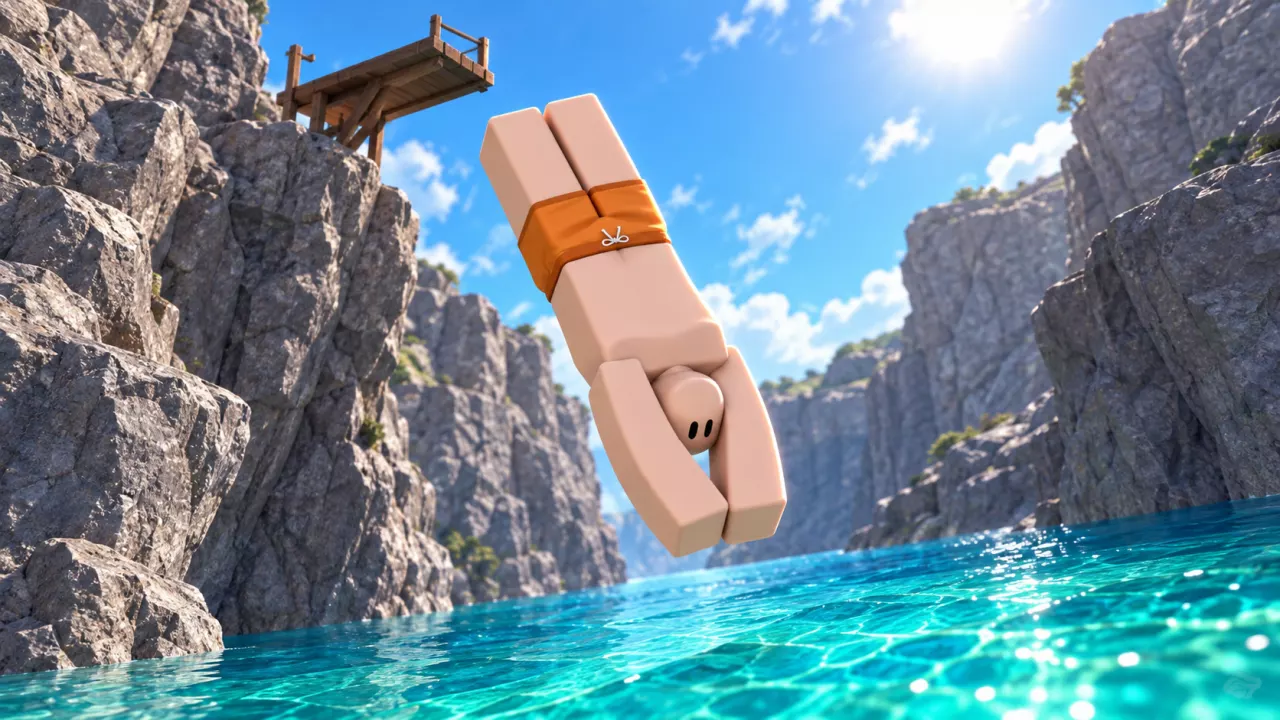
Start at the Jump Area
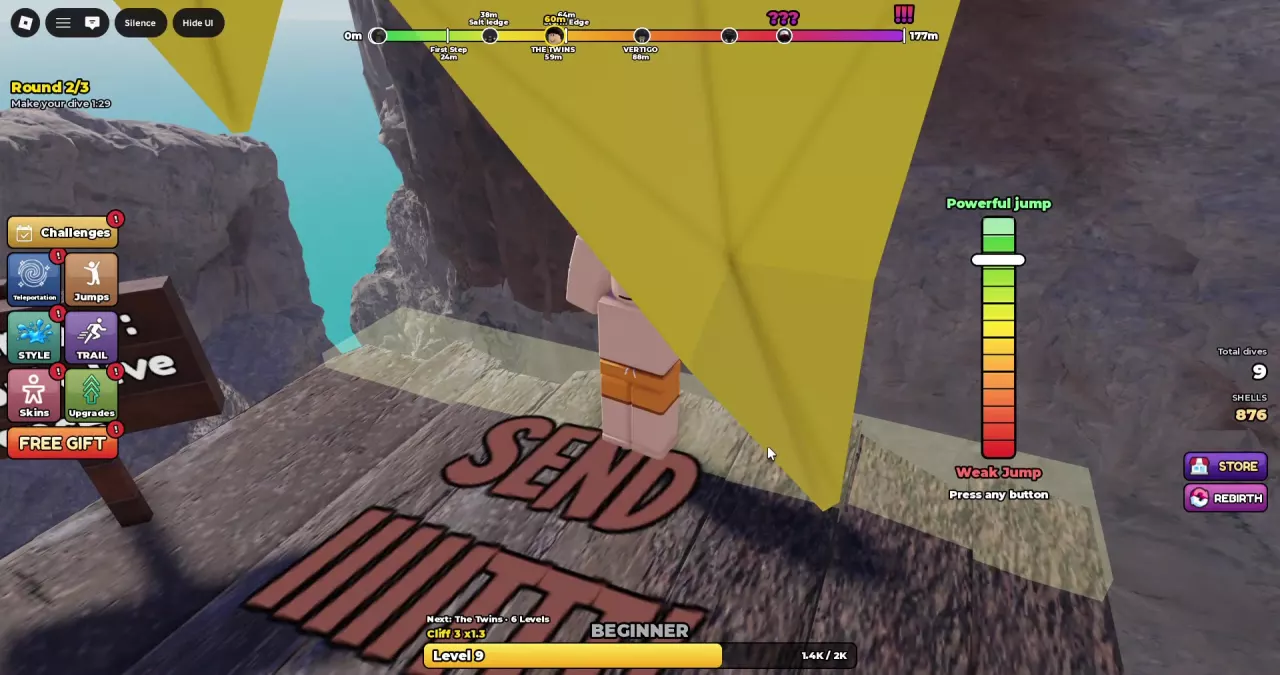
Walk onto an accessible diving platform and follow Go right to the edge into the Jump Area. Reaching the edge opens Choose your takeoff.
| Takeoff option | Starting orientation |
|---|---|
| FRONT | Face the water |
| BACK | Face the cliff |
Choose the direction you want to start from. These choices set your initial orientation; the airborne controls handle movement after takeoff.
Time the Power Bar
After choosing your takeoff, time the moving white marker on the vertical power bar.
- Watch the marker move between the red Weak Jump end and the green Powerful jump end.
- Aim near the green end and confirm using the input shown on your screen.
- Read the takeoff rating and Spin Power percentage that appear after launch. These report the result of your timing.
| Interface | Takeoff input |
|---|---|
| Keyboard | Follow Press any button to confirm the bar. |
| Touch | Follow Tap to jump and use the green Jump button. |
The rating describes your takeoff, not your landing. Even a PERFECT! launch can end in a Belly flop if the entry goes wrong.
Control Flips and Twists
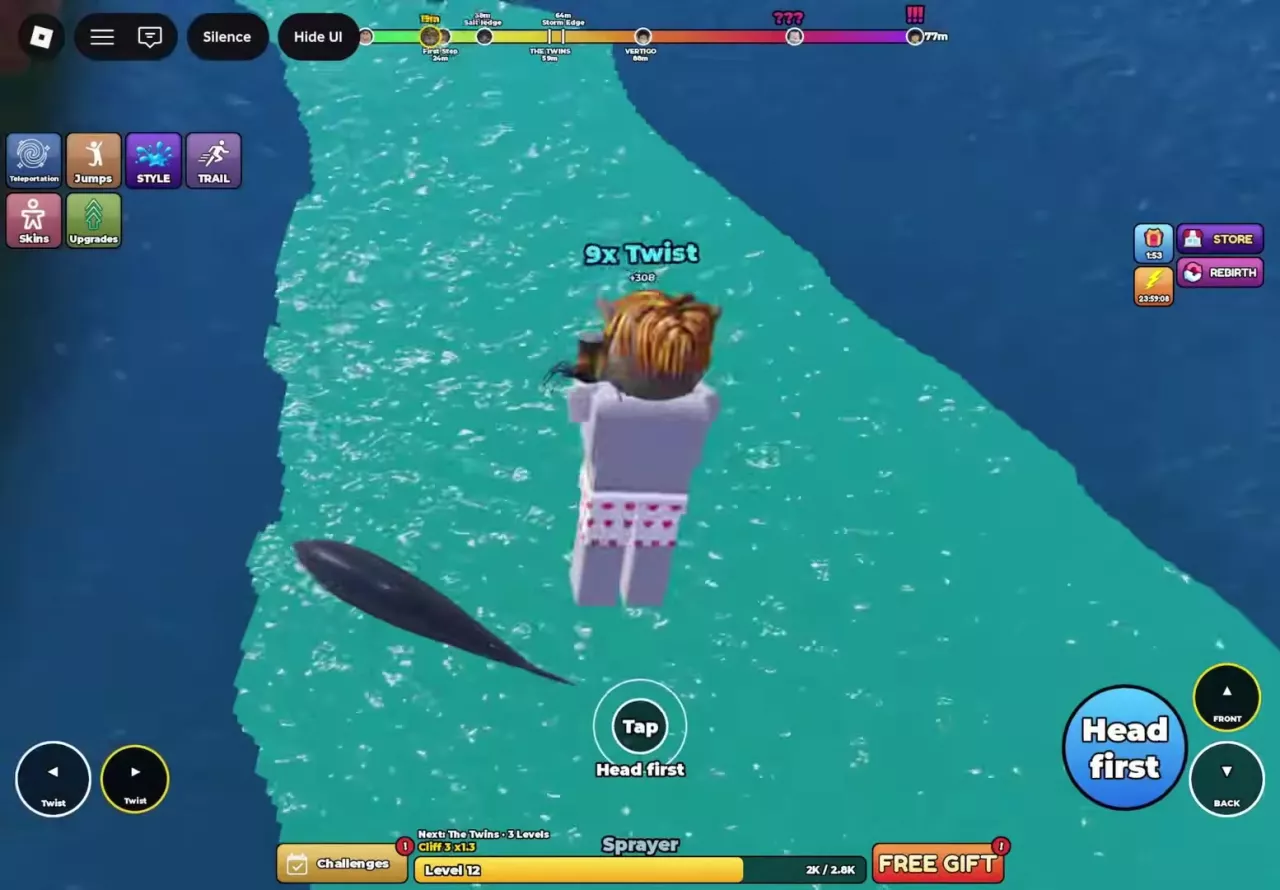
Once airborne, use the movement controls while watching for the entry countdown. On the touch interface:
- The two Twist controls on the left turn in opposite directions.
- FRONT and BACK on the right control flipping.
- A Twist direction and a flip control can be active together, letting you combine turning and flipping.
Visible rotation alone does not mean you completed a scoring trick. Check the trick names during the dive and the final breakdown afterward; No tricks means there are no trick points for the entry bonus to multiply.
Use Jumps and Combos to look up named moves. Once you can land reliably, follow the higher-score guide for combo practice and later entry timing.
Finish with a Clean Entry
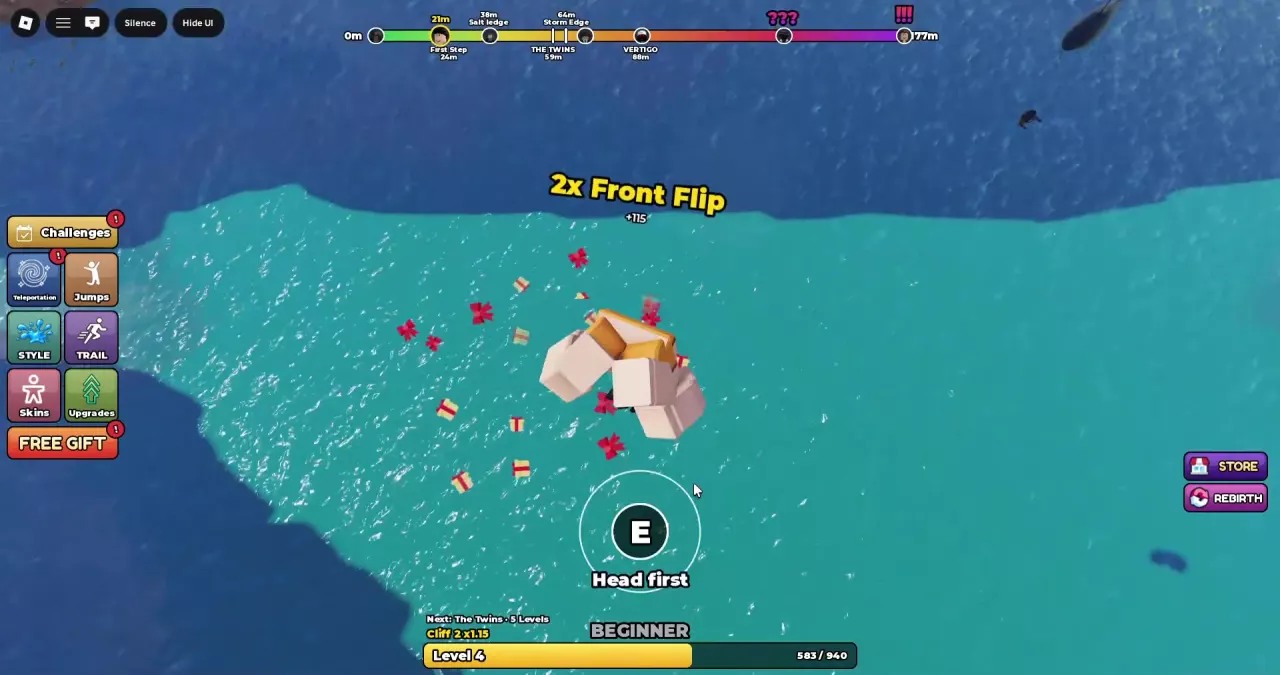
When your active entry prompt is Head first, follow these steps to switch into a head-first entry posture before impact.
- Watch Head first in 3, 2, 1 while descending.
- Wait for the text to change to Head first. On keyboard, a white ring appears around the E prompt. On touch, the center shows Tap and the blue Head first button becomes available on the right.
- Press E on keyboard or use the blue Head first button on touch before reaching the water.
- After impact, check the entry label and Entry Bonus in the result.
A visible E prompt does not activate the action for you. If you finish Feet first, check that you actually used the entry control after it became available.
| Entry result | Entry Bonus | Effect on trick points |
|---|---|---|
| Clean Entry | ×1.5 | Keeps and multiplies completed trick points. |
| Feet first | ×1 | Can keep completed trick points without the clean-entry boost. |
| Belly flop | ×0 | Wipes out the dive’s trick and combo points. |
A Clean Entry can still score 0 if the breakdown says No tricks. For your first attempts, focus on recognizing the available Head first prompt and finishing cleanly before pushing for a later entry. See Scoring for other entry results and zero-score troubleshooting.
To check other entry moves, open Jumps → ENTRY, read their level requirements, and look for EQUIPPED to identify your active choice. Follow that move’s descent prompt when it becomes available. See Entry Moves for the requirements and prompts for Cat Dive, Cannonball, Sofa, and Death Dive.
Replay or Return to the Platform
After impact, the Respawning in countdown shows the remaining wait before the game automatically returns you to a diving platform. Failed entries and zero-point dives also return you; Total Dives can increase even when the score is zero. Walk to the Jump Area again to start another attempt.
A Watch slow-motion replay? invitation can appear after a dive with a countdown bar:
- Choose YES to review the dive in slow motion.
- Choose NO to decline the replay.
- During playback, use Skip to leave it early.
The replay lets you review takeoff, airborne movement, and the approach to the water. When playback ends, you return to the platform and can prepare another dive.
After your first dive, use the time between attempts to check your next goals:
- Open Challenges and read the current objectives and progress. Work toward them as you repeat your dives, then press CLAIM on each completed task individually. Each claimed task awards its listed rewards and changes to CLAIMED. See Challenges for the objectives and reward details.
- When you have Shells, open Upgrades using the green upward-arrow button. Consider RIP Entry if clean entries are difficult, Spin Speed for faster flips and twists, XP Boost for more experience per dive, or Shell Magnet for more Shells per dive. Check the current level, effect, and next-level price, then use the price button to buy an affordable upgrade. Scroll down for the resource upgrades; Upgrades lists their effects and costs.
- Check the level bar and the next destination’s remaining-level counter. Once you meet the destination’s requirement, open Teleportation from the left-side menu, choose its world tab, and use the Teleportation button beside the available cliff. The selected cliff is marked EQUIPPED. Use Cliffs and Worlds to check your next destination’s requirements.